Get started with 1234asdf
10 minutes is all you need: install the app from Google Play, sign in, and try saving one article.
1. Install the app
On your Android phone, install “1234asdf” from Google Play, then open the app.
On a computer, you can use the web version (app.1234asdf.com) right away without installing anything. To install the app, open this page on your phone. The install file isn't on this page.
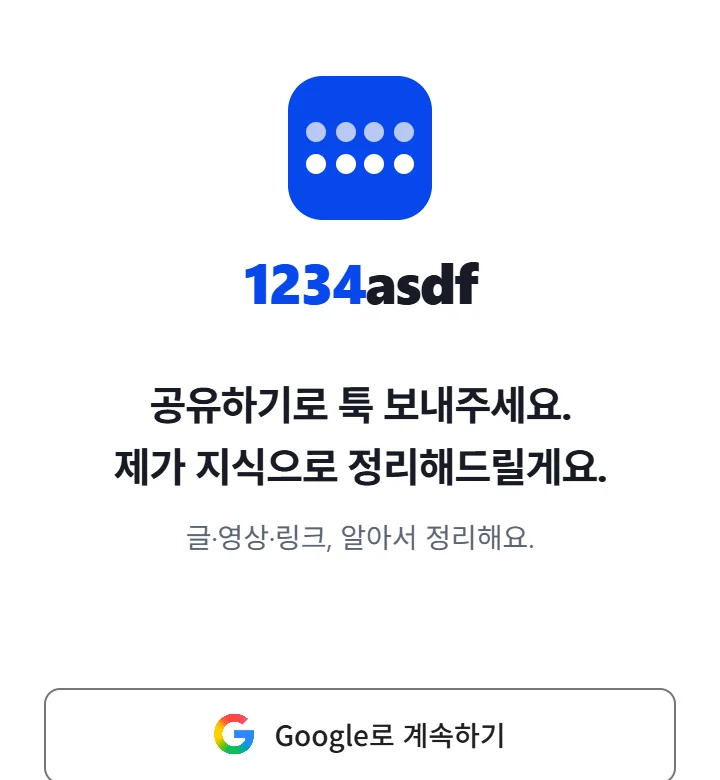
2. Sign in
Tap “Continue with Google” and sign in with your Google account. A new account starts with the same button. Once you're signed in, the app opens.
Tap this on the Android phone where the app is installed. On a computer, sign in on the web version with the same “Continue with Google” button.
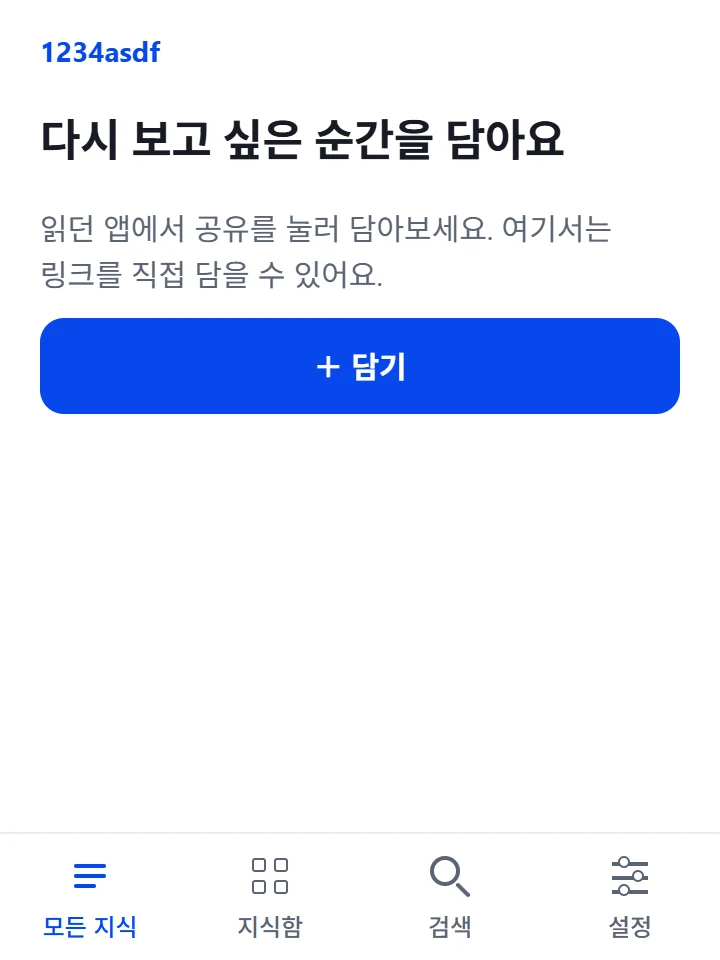
3. Save your first article
In your browser, open an article you'll want again, tap Share, then “Capture to 1234asdf”. That's it. A moment later, open the organized result on the app's first screen, “All knowledge”.
Good to know
- You can use 1234asdf as an Android app or on the web (app.1234asdf.com) from a computer. The iOS app is on the way.
- During maintenance, anything you save waits on your phone and goes to the server once it reconnects.
- Questions or account requests? Email help@1234asdf.com.
- We handle personal data as described in our privacy policy.