How-to ·
How to collect work guides and use them next time
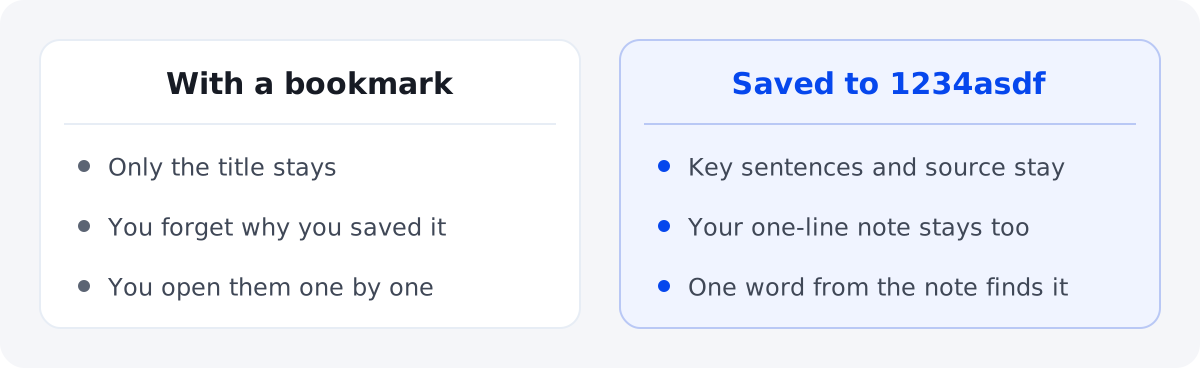
Save as you read, add a one-line note about what you'll need it for, and a month later one word from that note brings it right back.
The how-to page on the company wiki, the instructions a client sent, the article a coworker shared. You read them in the moment and move on, and a month later you're doing the same task and looking for them again.
Try it like this
- Save with Share as soon as you read it. You can pick a Space later.
- Add a one-line note about what you'll need it for. For example: for the quarterly report.
- One Space per project is plenty.
- Later, just search for a word from that note.
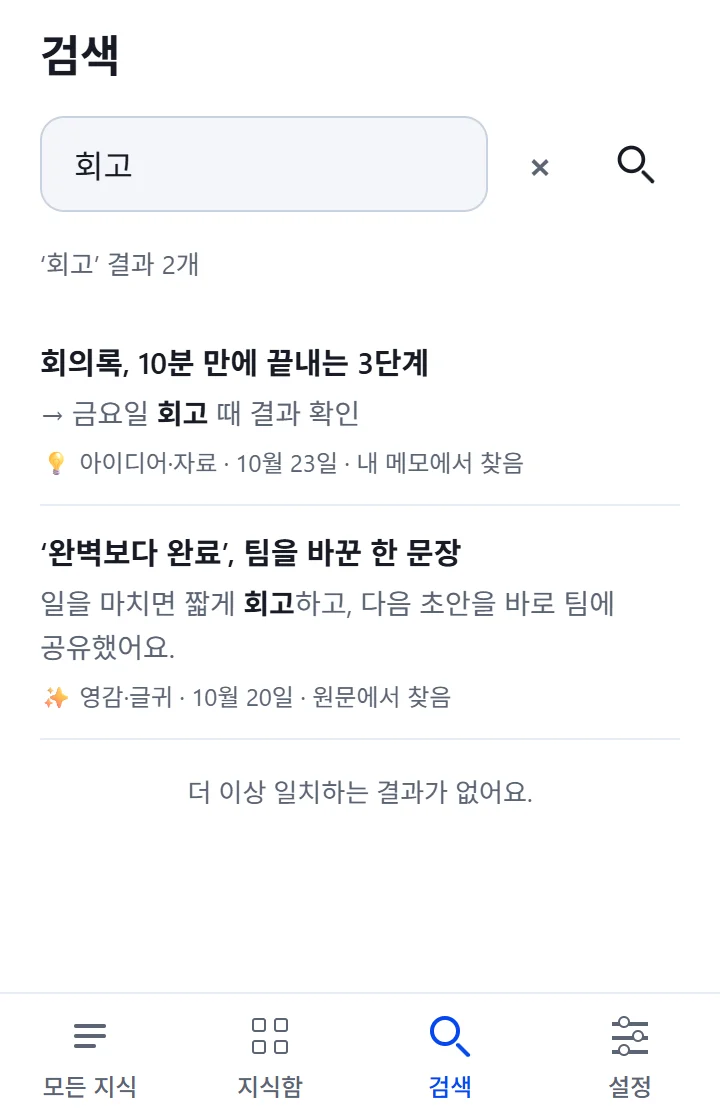
The key sentences are picked by AI, but each one is tied to the original text. For anything important, tap the sentence and check the original once more.